7 posts tagged with "Jobs"

Job management features.

View All Tags

Purchase Order Import

· One min read

We've added the option to create jobs from purchase orders (POs) in the web interface.

You're able to upload a PDF provided by a client, and we'll automatically extract details from the uploaded file and create a job against the mentioned customers, properties, and details. Where applicable, a draft quote will be created matching any pricing details on the purchase order to allow you to quickly invoice the job once work is completed. The uploaded PDF will be saved in the job's files.
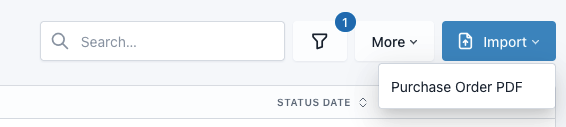
Web interface screenshot

This option can be found on the job list, and on the jobs tab of customer or property pages.
Custom Fields

· One min read

You are now able to create custom fields for customer, property and job records to gather data which built-in fields in JobStaq do not support, such as job priorities, due dates, and parking options for properties.

At present, you can create text inputs, number inputs, checkboxes, dropdowns (single-select) and date fields. You can fill these fields when editing records, and can customise table views to add a column to show these, plus sort and filter by their values.

Custom fields can be managed via settings in the web interface. Limits on the number of custom fields you can create depend on your plan.

Quote Portal Job Reference

· One min read

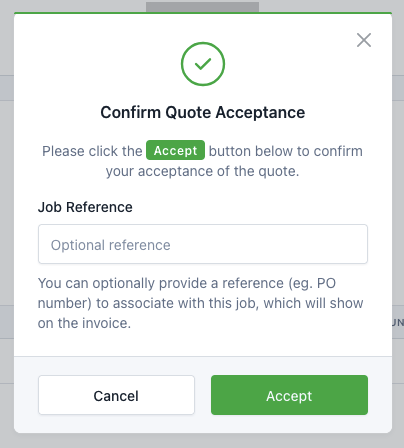
customer can set their job reference (eg. PO number) when accepting a quote through the portal, if they have a role (ie. access to central customer portal).

Quote portal acceptance modal

Task Audits

· One min read

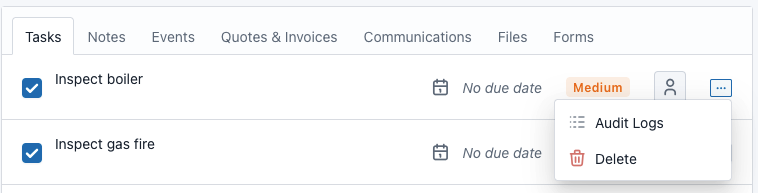
You can now view history of changes made to tasks (such as it being marked as completed or incomplete) via the dropdown.

Web interface screenshot

Tag support

· One min read

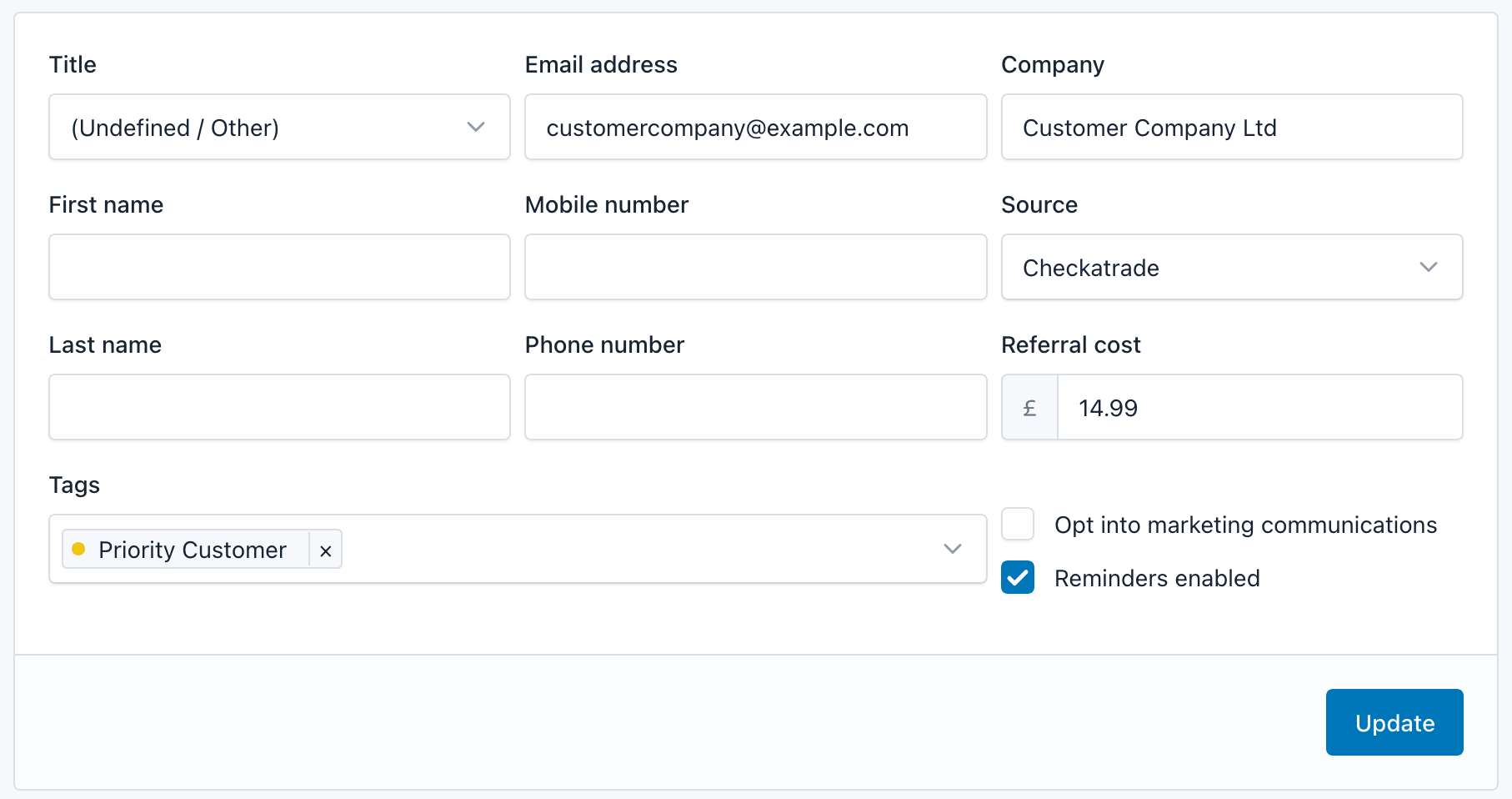
You can now create custom tags to be associated with jobs, customers, and properties in your account.

You can add new or existing tags to records when editing them.

Tag input field

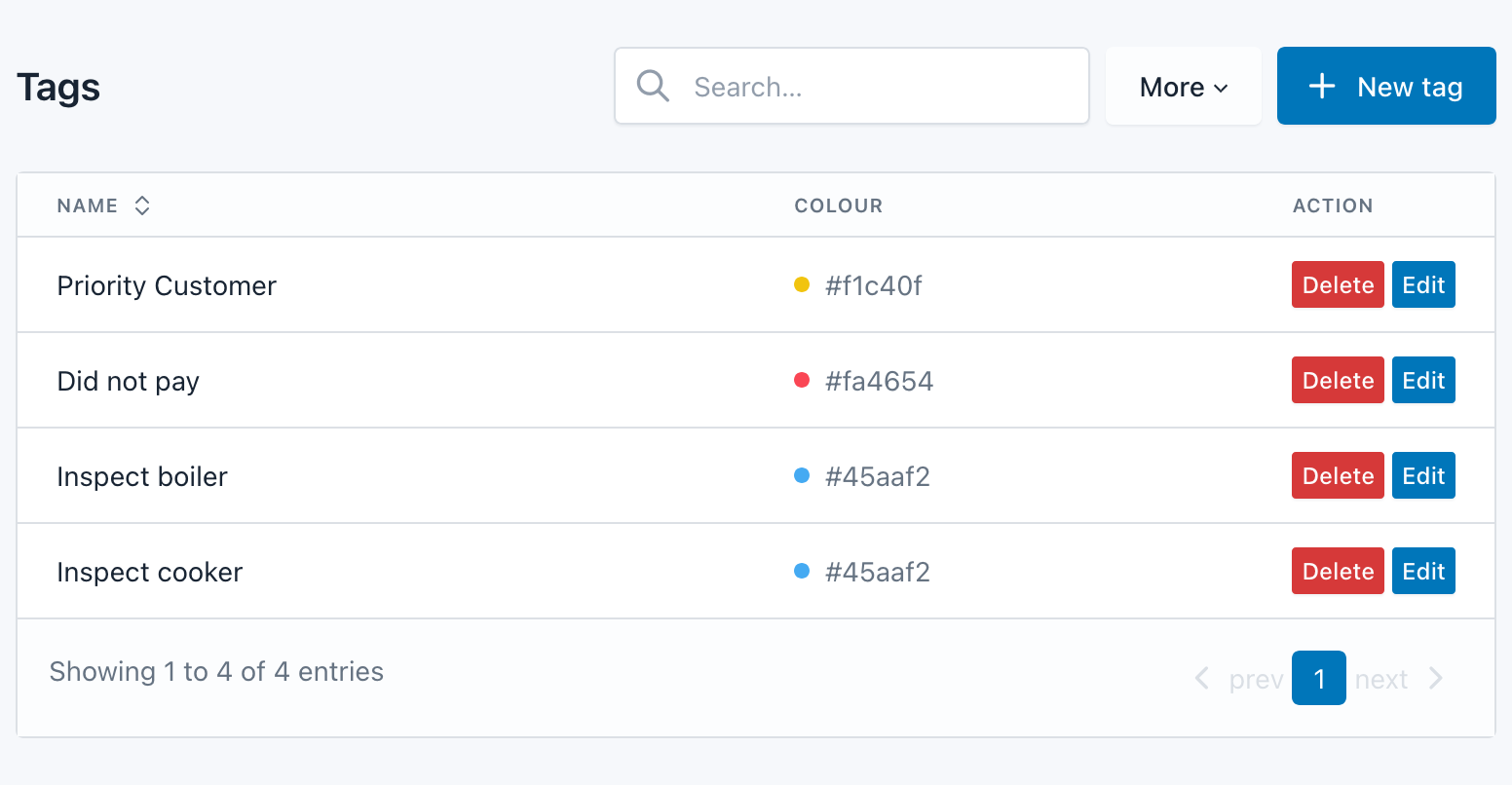
Tags can be managed in settings, to update the text and colour code, or to delete any tags no longer required.

Tag settings

You can customise table views to show the tags column, and can filter for results matching a set of selected tags.

Tags in table

Job Status System

· One min read

The job status system has been rebuilt from scratch, to address some of the limitations of the original version. The new system will allow us to customise the status system for each JobStaq user, rather than forcing everyone to use the default system, once the new app update is ready. This includes both adding job status options that can be manually selected, and changing the automated status updates.

We have a published flowchart on our documentation site to help you understand how the default status system updates the status of your jobs. You can view this here.

Improved search

· One min read

To help make finding data within your JobStaq account easier, we've made some changes to how the account search functions.

Your query is now also checked against job descriptions, event descriptions, notes, and job customer reference fields for matches. Some changes have been made to improve detection of phone number in queries, to improve the changes of finding a match.